Search, Sort, and Filter Applications
kenzoAI provides built-in search, sorting, and filtering tools that help administrators quickly locate, organize, and manage applications in the overview. These controls are especially useful during audits, cost reviews, troubleshooting, and routine maintenance by enabling you to find applications by name, reorder them based on key criteria, and narrow the list by operational status without scanning the entire application list.
Search Applications
-
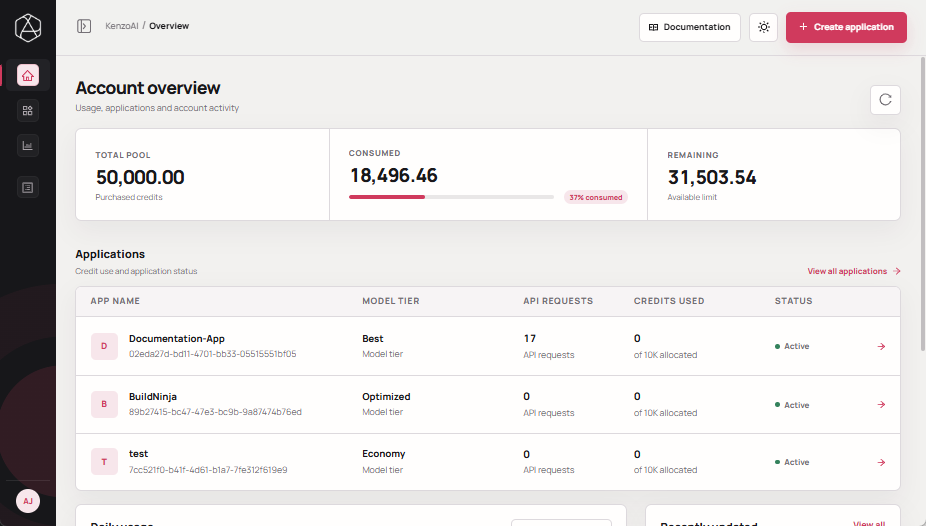
Open kenzoAI Overview.
-
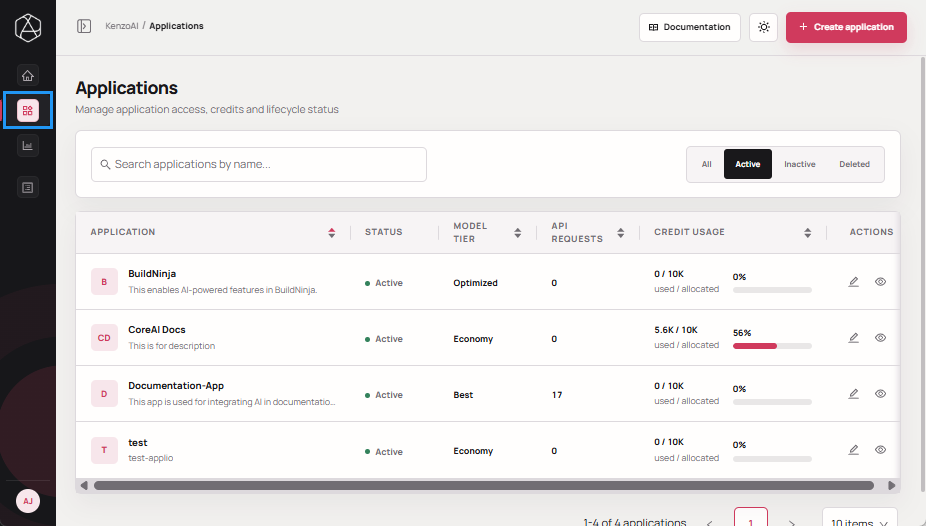
Navigate to Applications.
-
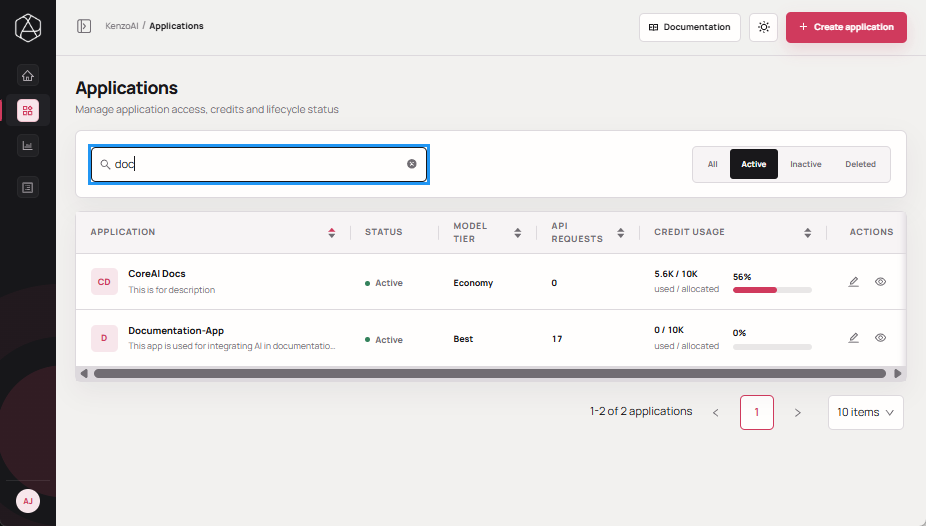
Enter the application name or a partial keyword in the Search bar above the applications list.
Sort Applications
-
Navigate to Applications.
-
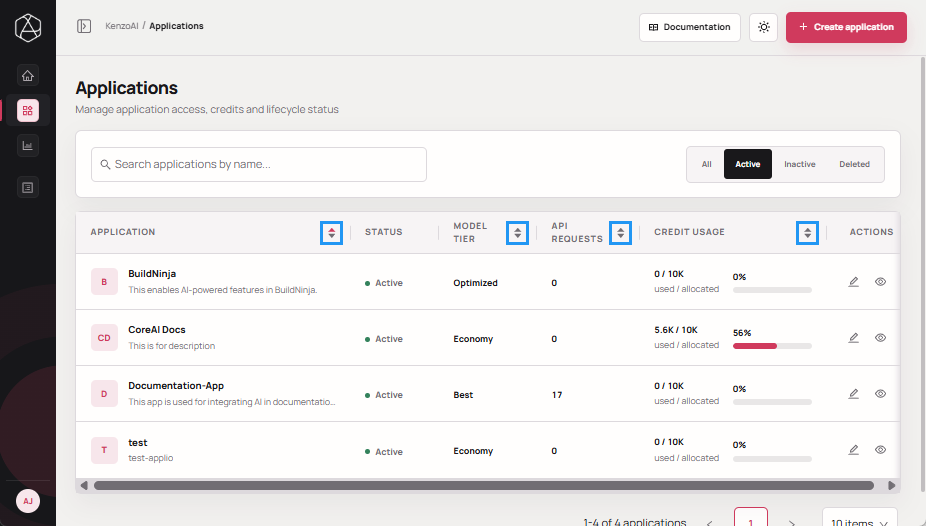
Select any of the following sorting criteria you desire in the applications list and click Sort control.
- Application: Sort applications alphabetically.
- Model Tier: Sort applications by model tier.
- API Requests: Sort applications by the number of API requests.
- Credit Usage: Sort applications by credits consumed.
Filter Applications
-
Navigate to Applications.
-
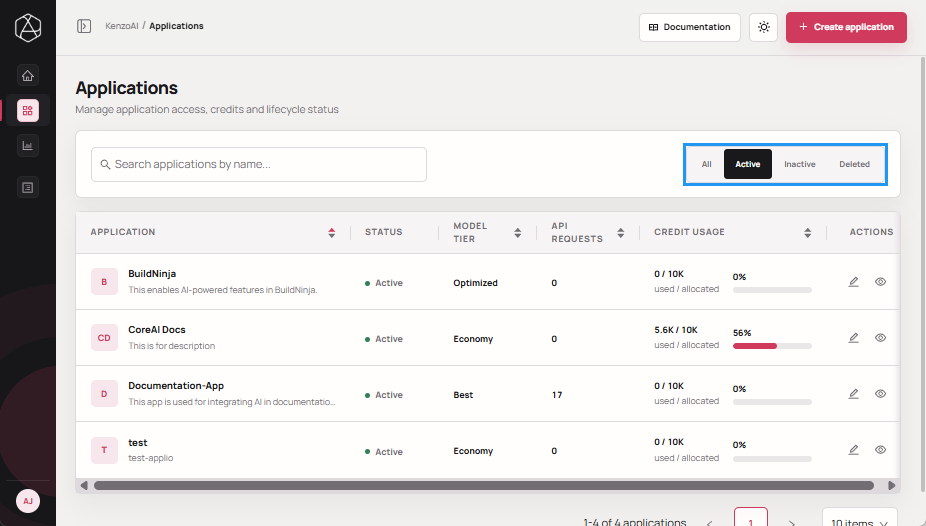
In the status selector above the applications table, select the desired filter:
- All: Displays all applications, including deleted applications.
- Active: Displays applications that can consume credits.
- Inactive: Displays applications that are currently disabled.
- Deleted: Displays applications that have been removed.